What it can help with
The tour says what's on each page. These guides start from the other end: a problem a site with a phone system tends to have, what TalkWatch does about it, and how to set it up, with the flow or report to copy and a link to try it in the demo. Every example here is one the demo starts with or can play out, so nothing on these pages is a mock-up. The demo's flows notify its own two accounts; the examples here say who that would be on a real site instead, the manager or the front desk.
They're grouped by who usually has the problem, though most sites have one person who's all three.
For whoever answers the phones
-
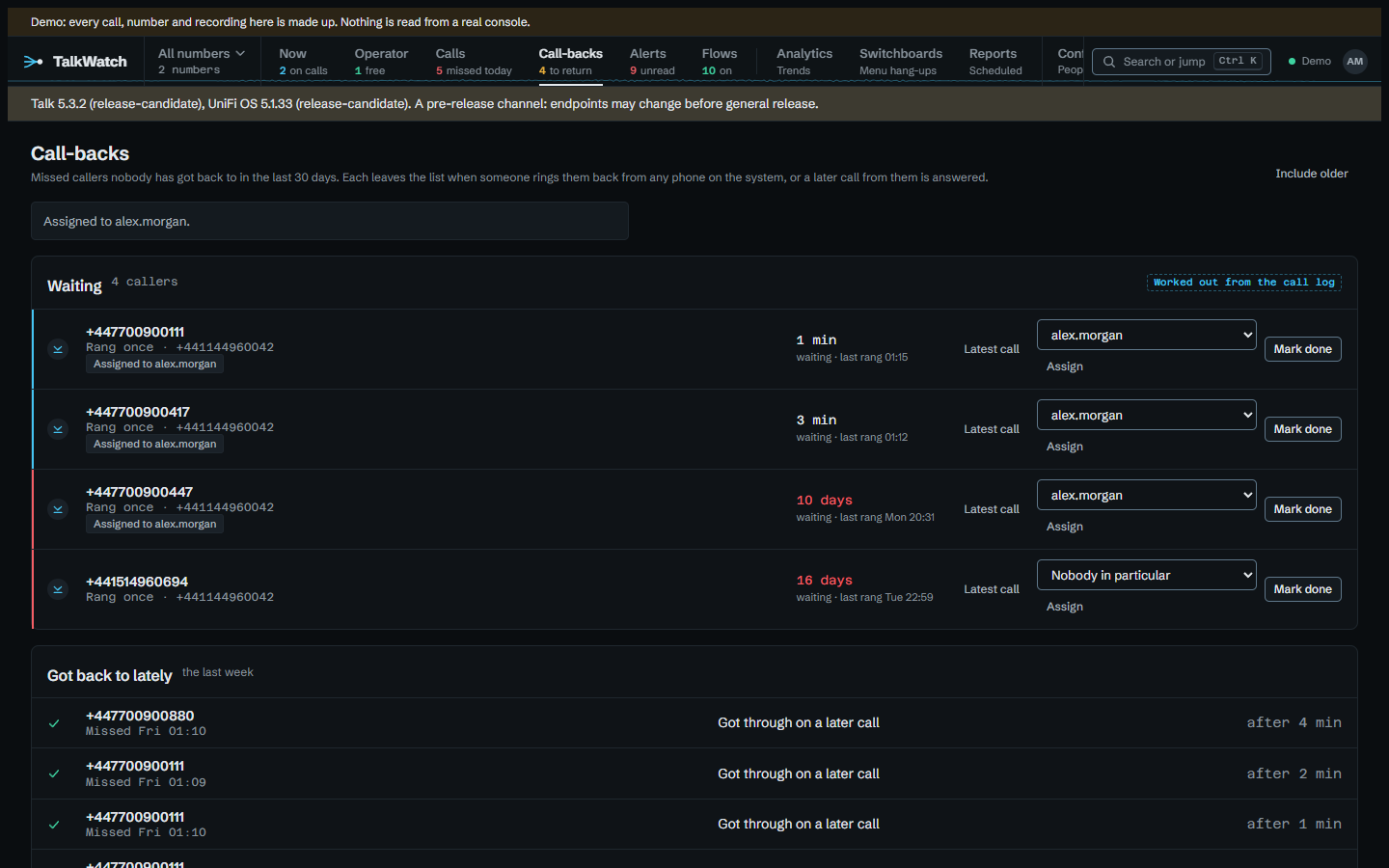
Getting back to every missed caller
A list of who's still waiting, that empties itself as people are rung back, and a nudge to the right person when it doesn't.
-
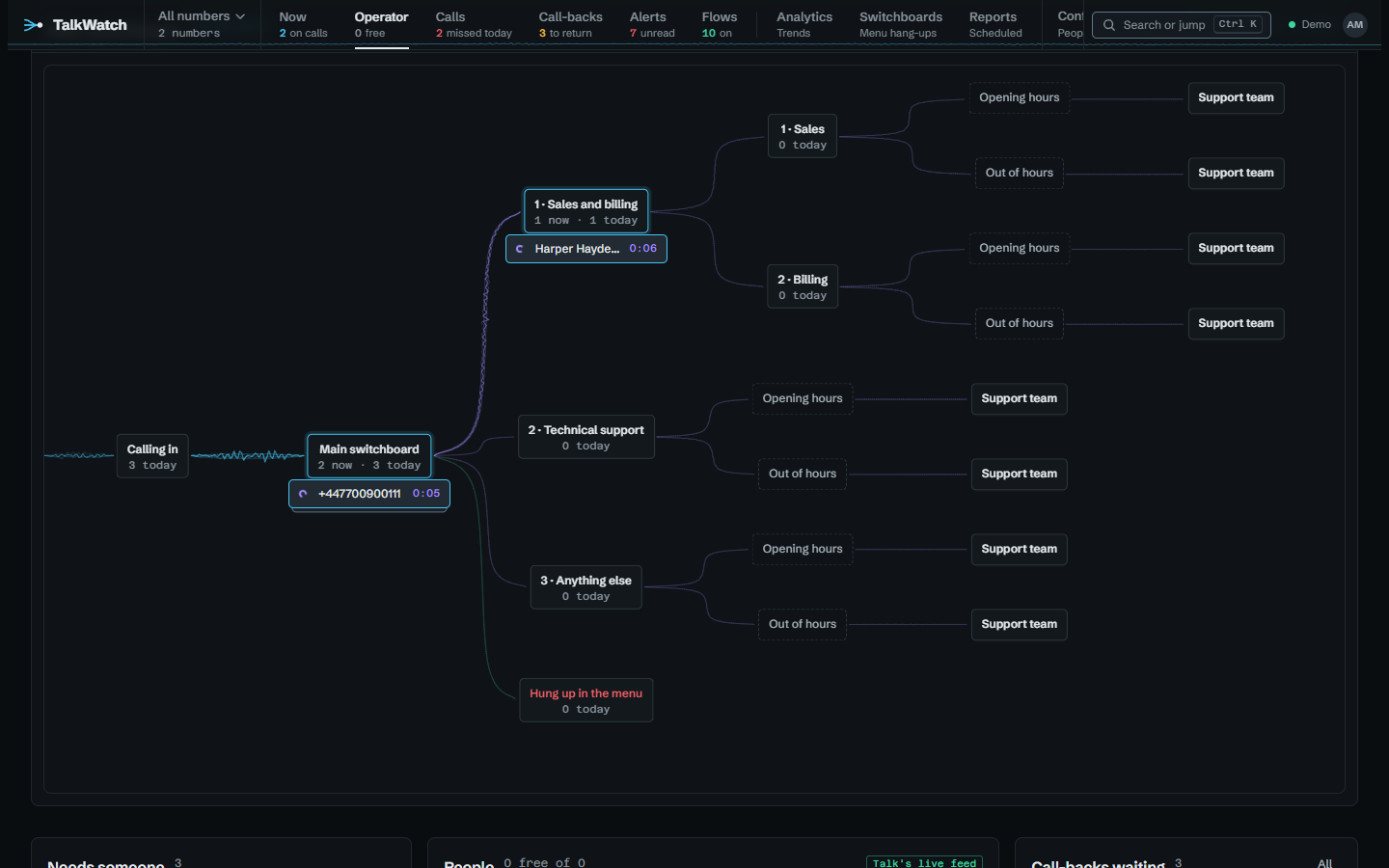
Running the front desk from one screen
Who's in the menu, who's free, what's ringing and who's waiting for a call back, live, without touching the handsets.
-
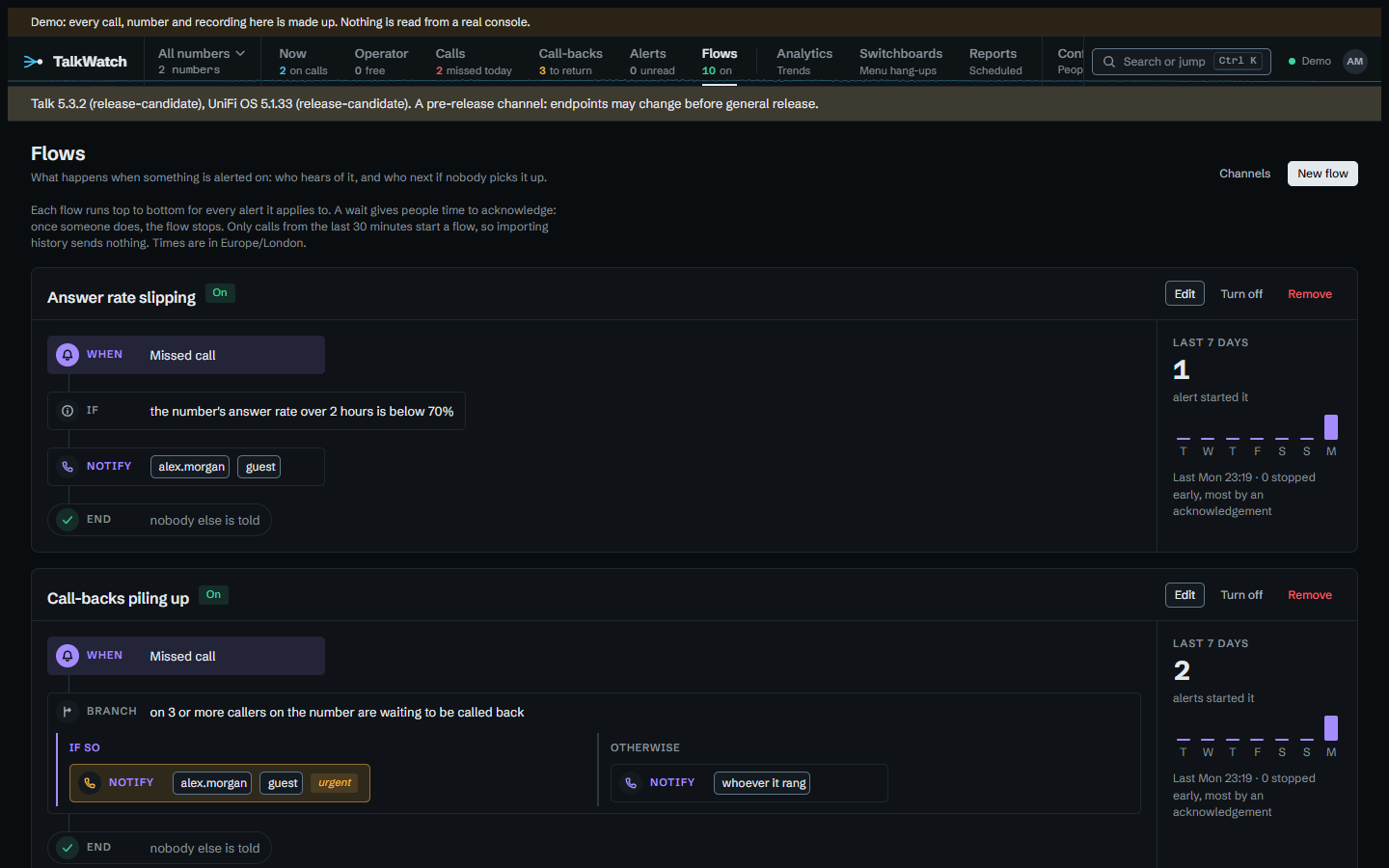
Hear about a message as soon as it's left, with what was said, and sooner still when it says urgent.
-
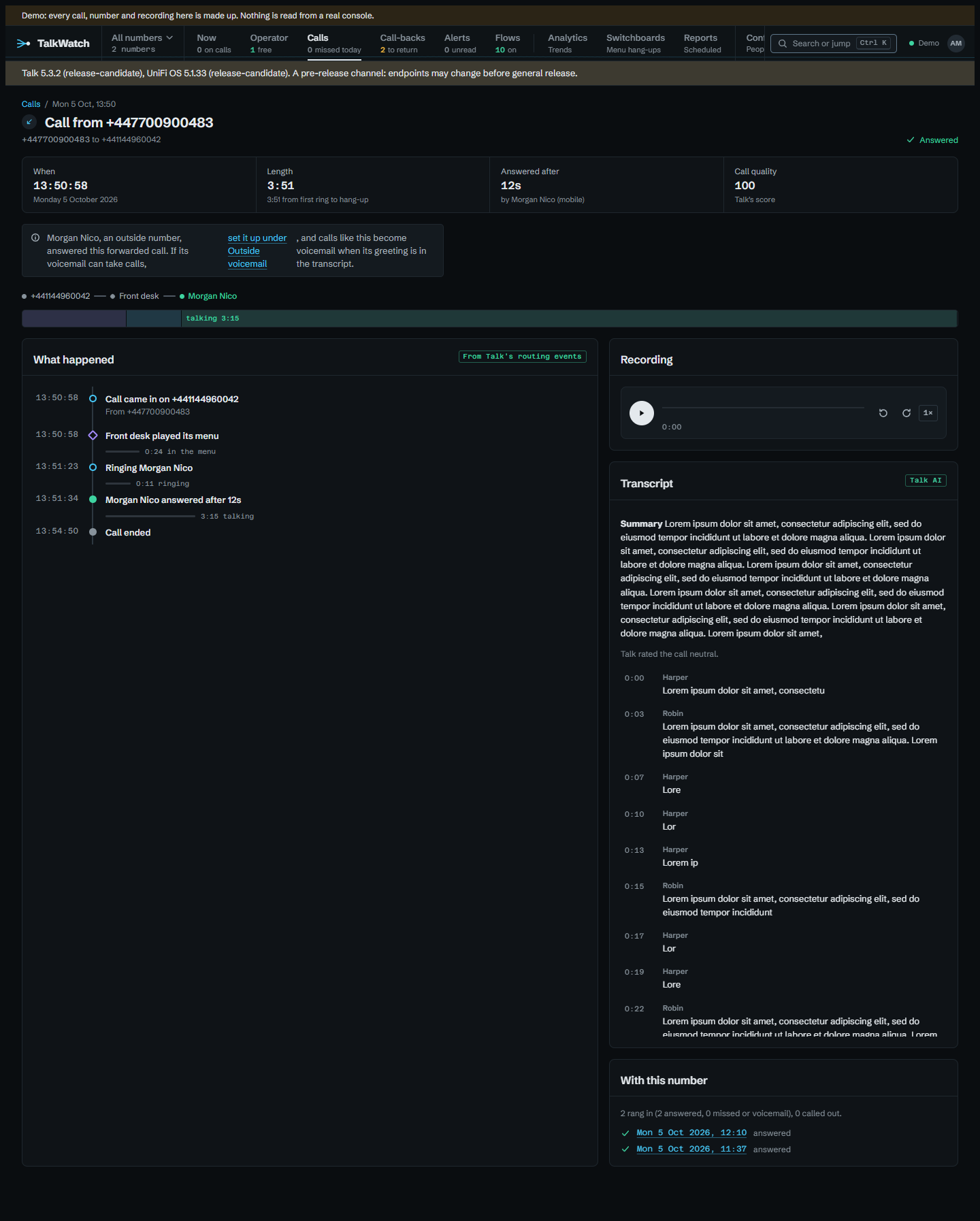
Finding a call and what was said
Search what callers said, play the recording in the page, and see every other time that number rang.
For whoever runs the place
-
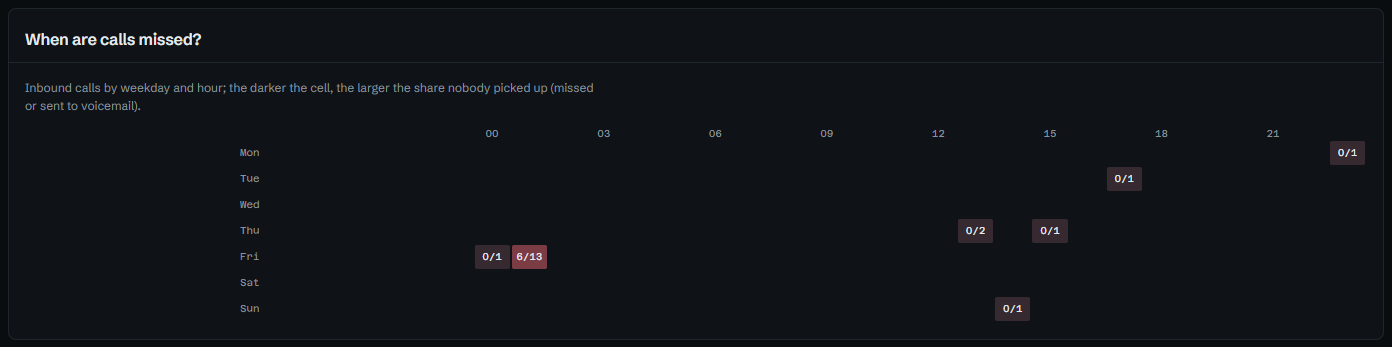
Hear when the answer rate drops or call-backs pile up, rather than finding out from the figures at the end of the month.
-
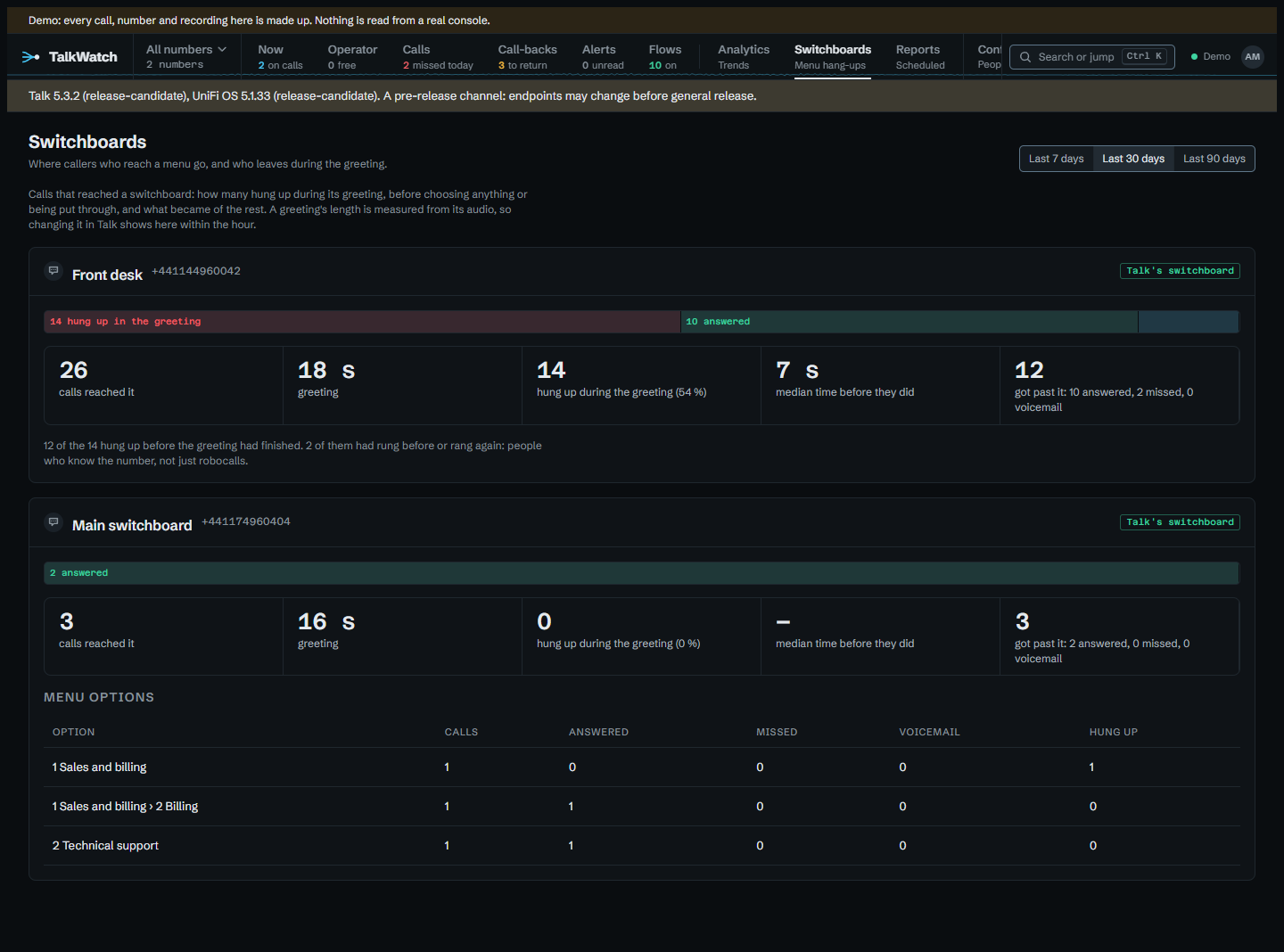
Callers who give up at the switchboard
Which greeting people hang up during, how long they last, and which menu option leads nowhere.
-
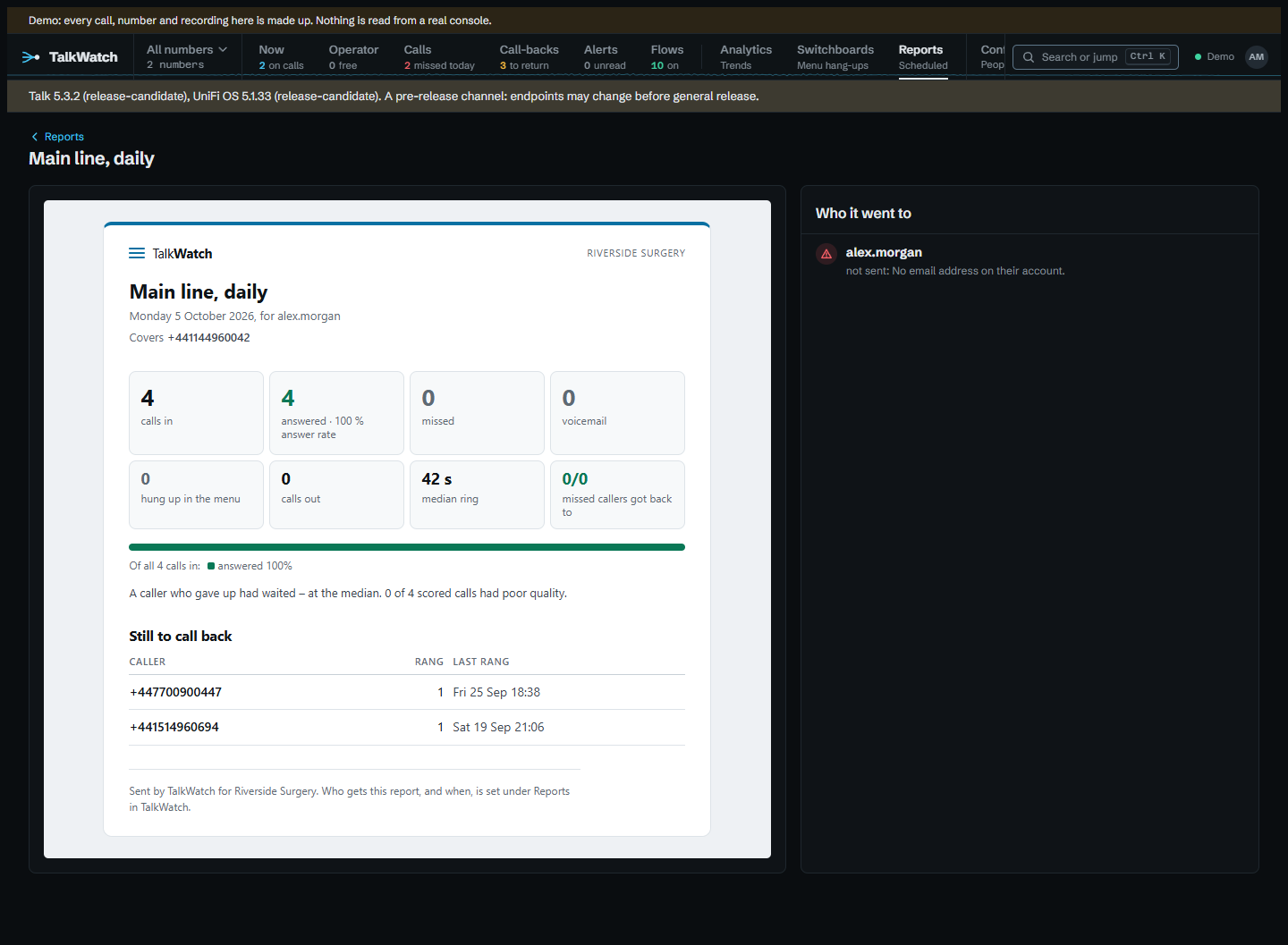
A report in the manager's inbox
Monday morning's figures by email, each copy showing only what its reader may see.
-
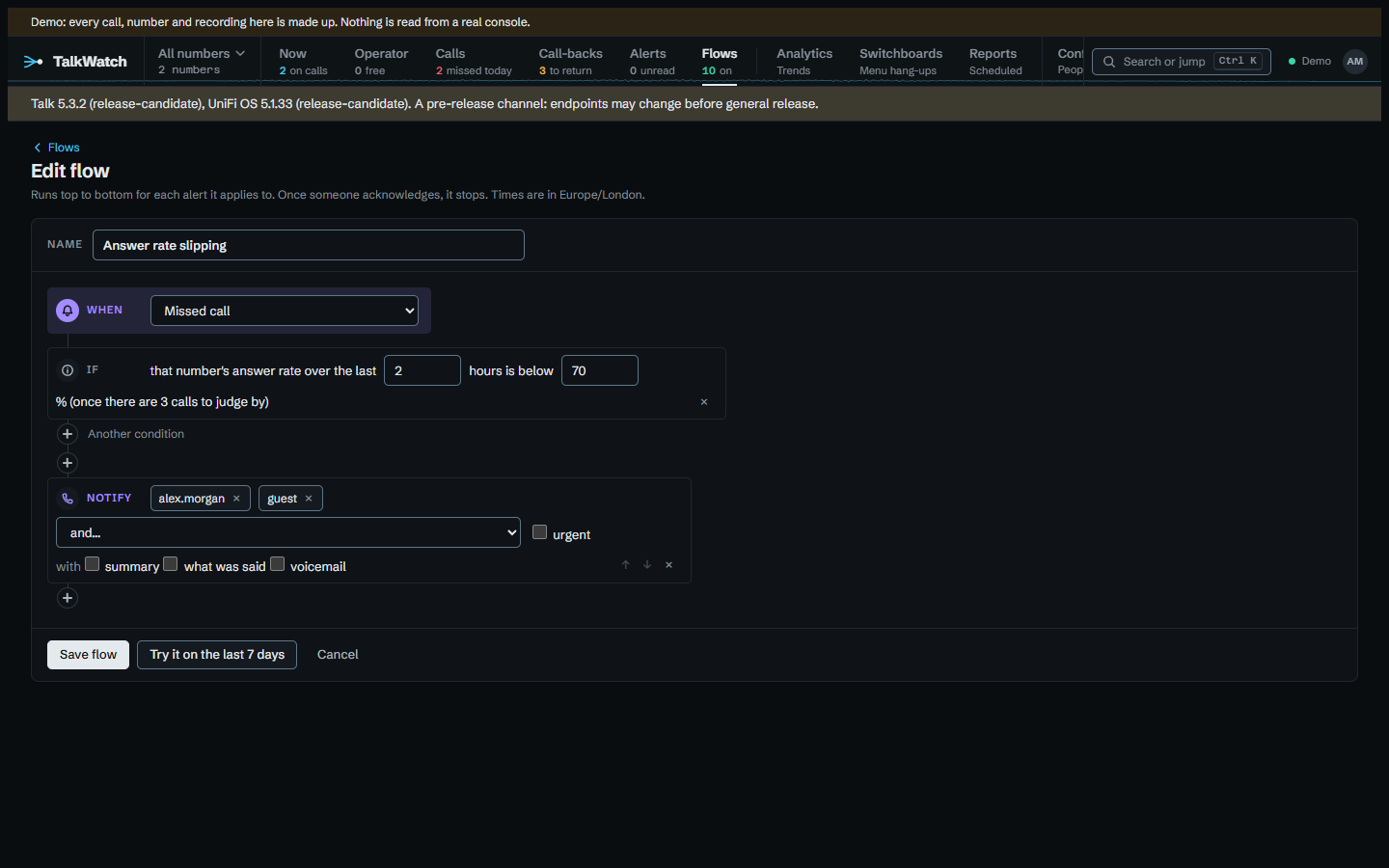
Send out-of-hours calls to whoever's on call, and keep them out of the figures you judge the day by.
For whoever looks after it
-
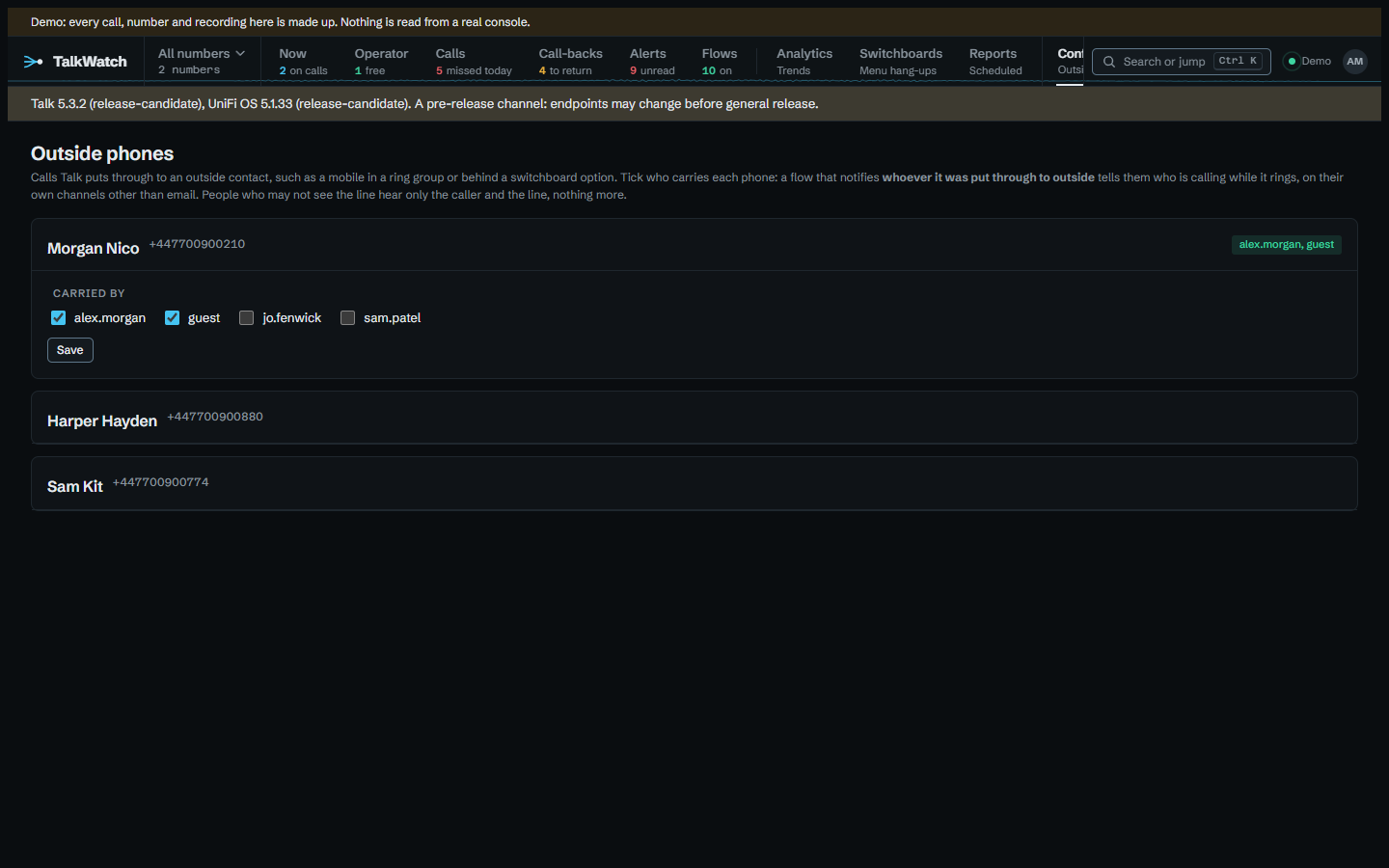
Staff who answer on their mobiles
Tell a mobile who's calling while it rings, name who answered, and catch the calls a mobile's own voicemail took.
-
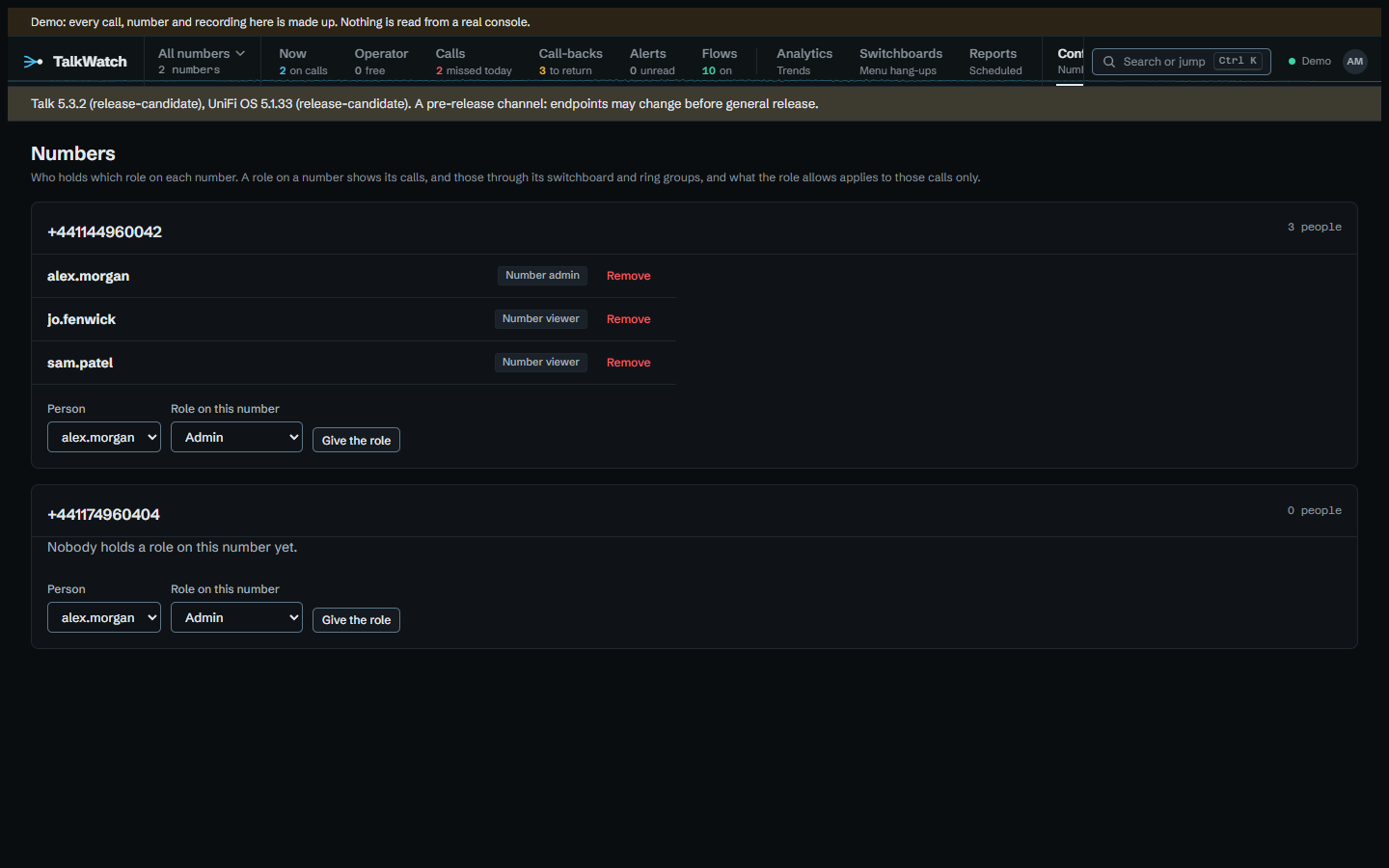
Giving someone their own number
The sales line's manager sees the sales line, sets up its alerts and reports, and nothing else.
-
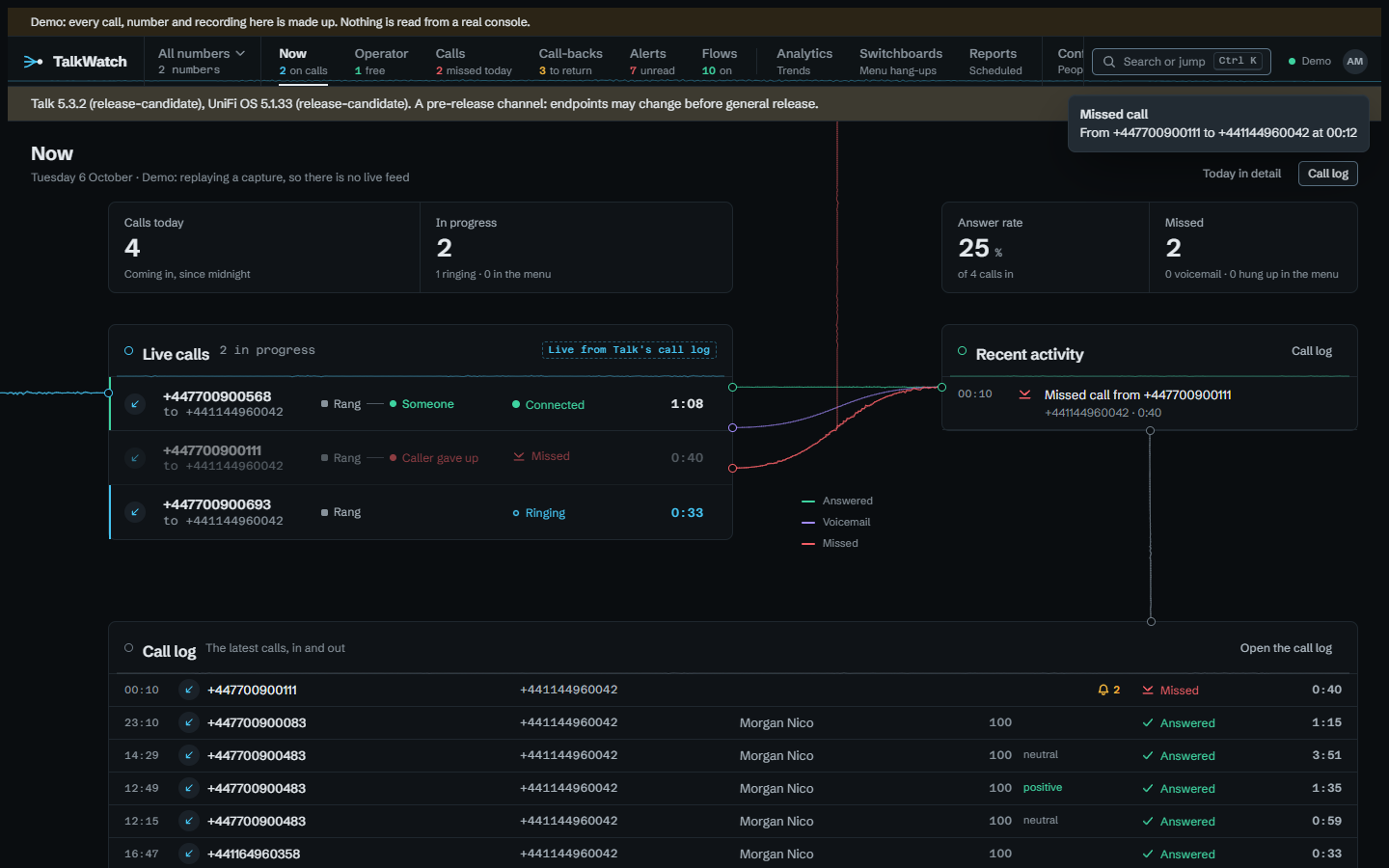
Knowing when the phones themselves go wrong
A handset dropping off, an account suspended, recording switched off, a console update that changed what Talk sends.
-
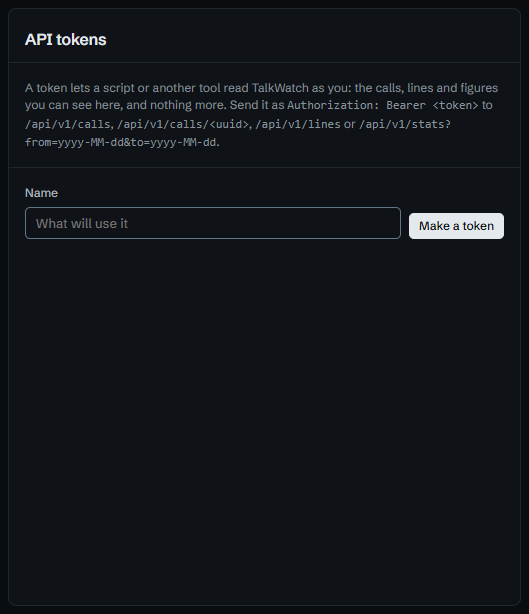
Using TalkWatch's data elsewhere
Signed webhooks, a read-only API, and Parquet for DuckDB, pandas or Power BI.
Links worth bookmarking
Every filter on the call log and every period on Analytics lives in the address, so a view somebody checks every morning can be a bookmark, or a link in a message. Each opens with the reader's own access, so sending one to someone with less shows them less, not an error.
| Link | Shows |
|---|---|
/calls?outcome=missed&period=today |
today's missed calls |
/calls?outcome=unanswered&period=7d |
this week's calls nobody answered: missed, voicemail and hung up in the menu |
/calls?outcome=menu&period=30d |
callers who hung up at the switchboard in the last 30 days |
/calls?outcome=voicemail&period=30d |
voicemail from the last 30 days |
/calls?dir=out&period=today |
outbound calls today |
/calls?q=refund |
calls where the transcript or Talk's summary mentions a refund |
/calls?line=Did:%2B441144960042 |
calls on one number (the + is written %2B, since a bare + in an address means a space) |
/callbacks?all=1 |
every caller still to ring back, however long ago they rang |
/dashboard?days=30 |
Analytics for the last 30 days (7, 30 or 90) |
/dashboard?from=2026-09-01&to=2026-09-30 |
Analytics for September, up to 92 days at once |
/switchboard?days=90 |
the switchboards over the last 90 days (it starts on 30) |
The first five are in the command palette too, by name: press Ctrl+K and type missed, nobody, menu, voicemail or outbound. See Finding your way round.