Calls when you're closed
Most small sites close, and their phones don't. A call at 19:40 might be a customer who'll ring again tomorrow, or a patient who can't, and either way it shouldn't drag down the answer rate the team is judged on. TalkWatch handles both halves: who hears about a call outside hours, and keeping those calls out of the figures.
Telling whoever's on call
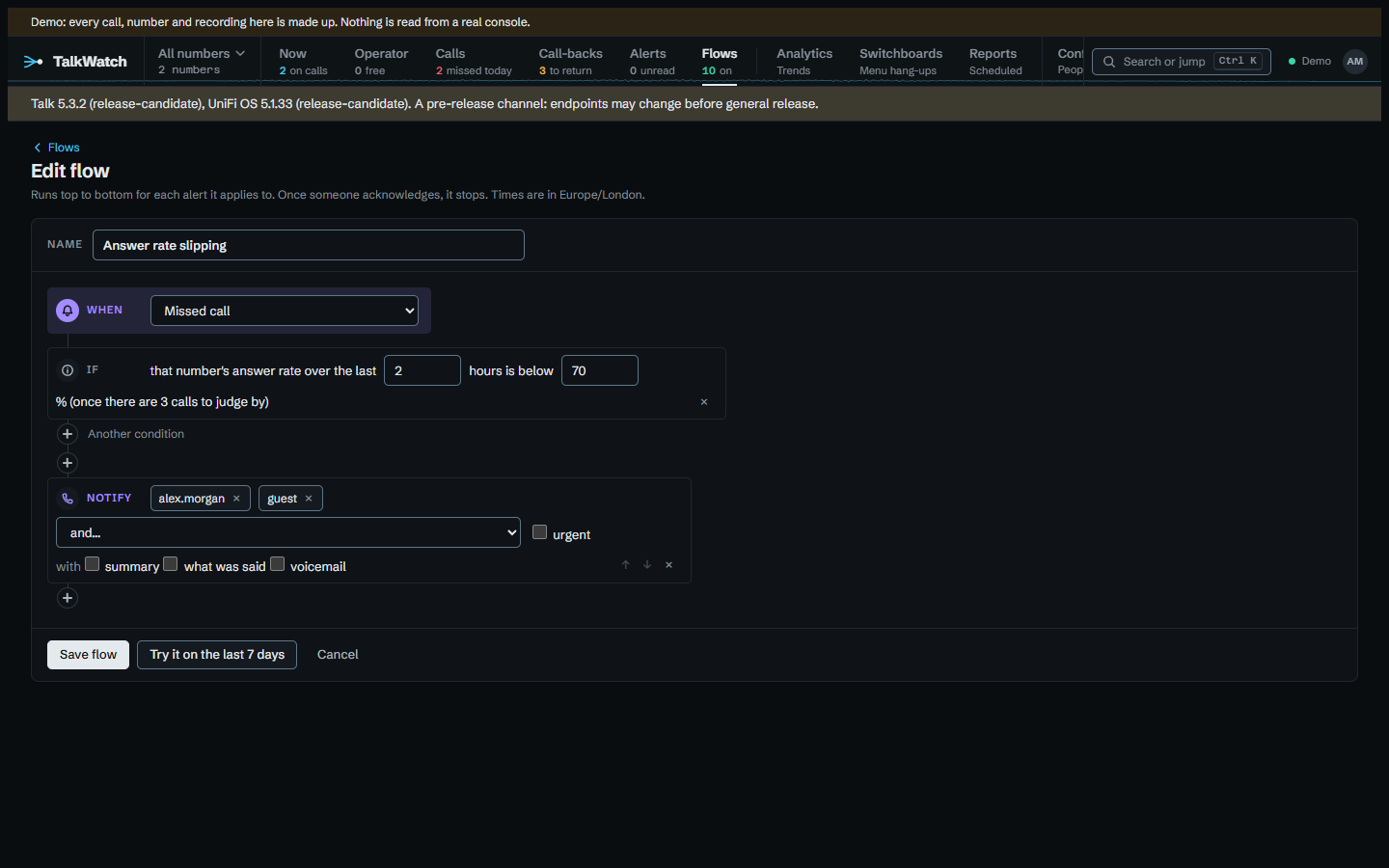
Any incoming call with a time condition is the after-hours alert. The time condition takes days and times in the site's time zone, inside or outside the window, and an overnight window such as 22:00 to 06:00 works and follows the clocks changing.
When    Any incoming call
If      outside Mon–Fri 08:30–18:00
Notify  On call (Telegram)
That tells someone as the call comes in. For missed calls rather than every call, a branch on the time keeps one flow for the whole week, so day and night can't drift apart:
When    Missed call
If      on Sales
        not from withheld
Branch  on Mon–Fri 09:00–17:30
  If so       Notify  Sales team (ntfy)
              Wait    10 minutes
              Notify  the manager
  Otherwise   Notify  On call (Telegram)
              Wait    15 minutes
              Notify  the manager, urgent
A branch is decided when the alert happens, so what the flow shows is exactly who hears about what. Changing the hours changes what later alerts do, not one already under way.
Keeping the night quiet
Every channel can have quiet hours, 22:00 to 07:00 by default when one is added. Alerts due inside them wait until they end, and are dropped if someone acknowledges them meanwhile, so the manager's phone doesn't wake them for a caller the on-call person already rang back. A step marked urgent goes through quiet hours, which is what the urgent last step in the example above is for.
Word of a call put through to an outside phone is dropped in quiet hours rather than held, since by morning the call is long over.
Keeping out-of-hours calls out of the figures
A report can count only calls within these hours: Monday to Friday 09:00 to 17:30, say, or overnight from 22:00 to 06:00 for a night service. Calls outside it are left out of every part, comparison with the period before included, and the report says which hours it counts.
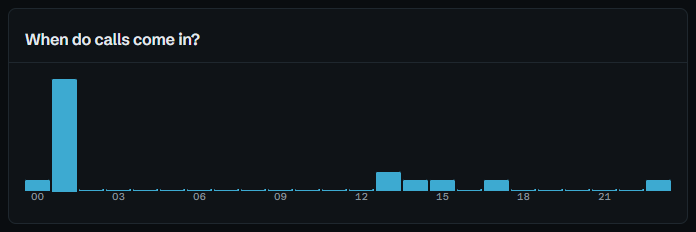
That's the honest answer rate: the share of calls answered when someone was there to answer them. The out-of-hours calls are still in the call log, and Analytics shows when they come, by hour of the day, which is the figure to set opening hours or an on-call rota by.
Try it in the demo
Open Flows → New flow, choose Any incoming call, add a time condition and press Try it on the last 7 days: it says how many of last week's calls came in outside the hours you chose, and who would have been told.
See also
- Conditions and Delivery, for the time condition and quiet hours.
- Reports, for counting only certain hours.