Finding your way round
TalkWatch has no sidebar. Along the top runs the rail: one word per workspace with its live count underneath, so the way to a page is also the reason to go there. "3 missed today" under Calls tells you something before you click. Everything on every page goes through your own access, so the counts are yours, not the whole site's.
| Workspace | Under the word | Key |
|---|---|---|
| Now | calls in progress | g n |
| Operator | people free | g o |
| Calls | missed today | g c |
| Call-backs | callers to return | g b |
| Alerts | unread alerts | g l |
| Flows | flows switched on | g f |
| Analytics | g a |
|
| Switchboards | g s |
|
| Reports | g r |
Flows only shows for people who can set up alerts. Configure is a menu at the end of the rail holding People, Roles, Groups, Numbers, Alert channels, Outside voicemail, Outside phones and Retention, and it lists only the ones your role lets you open, so the rail stays the same whoever's looking. Settings live there rather than on the rail because you visit them once and then leave them alone.
Getting about by keyboard
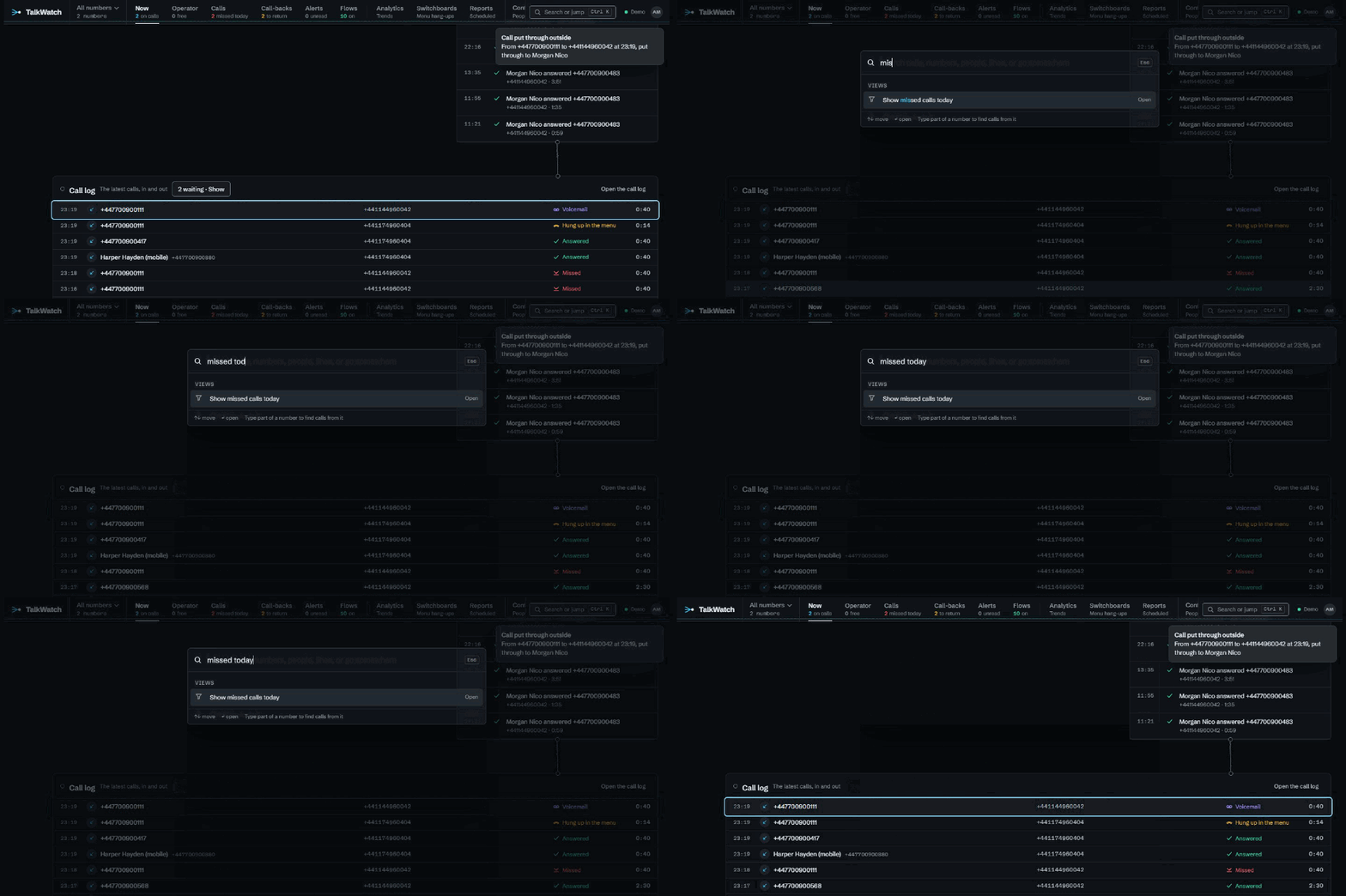
- Ctrl+K (or Cmd+K), or / anywhere outside a text box, opens the command palette. It goes to anything the rail offers you, runs a few common views by name ("Show missed calls today", "Show callers who hung up in the menu"), switches between light and dark, and searches calls, numbers, people and lines as you type. Searches run through your access, so it never turns up a call you couldn't open.
- g then a letter jumps straight to a workspace, using the keys in the table. You have just over a second after the g, and neither works while you're typing in a box.
Looking at one number
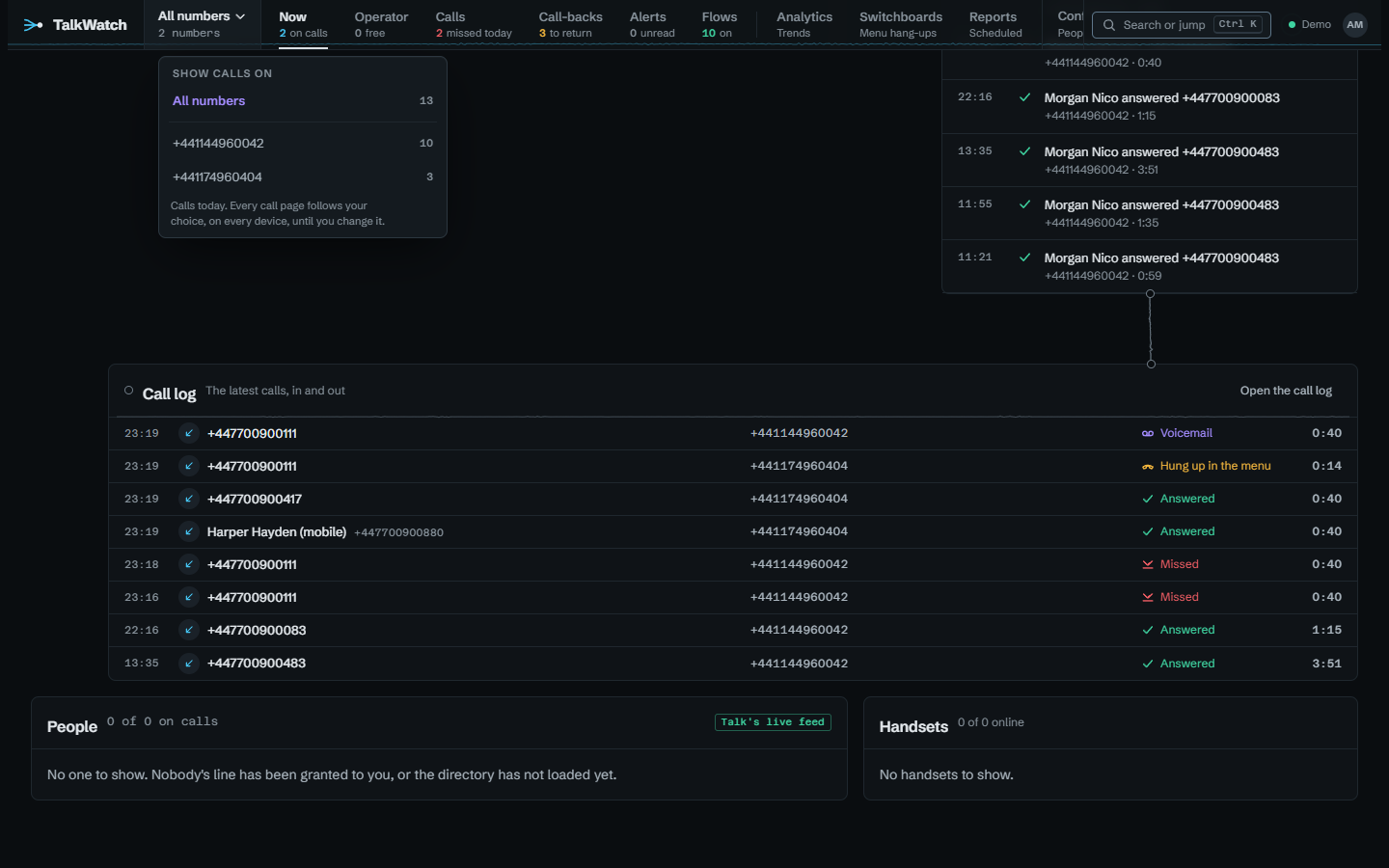
When you can see more than one of the site's numbers, a switcher sits next to the TalkWatch mark on the rail. Pick a number and every call page narrows to calls on it: the call log, Now, Operator, Call-backs, Analytics and the rest. It's done in the same place as access itself, so no page can forget to apply it. The choice is kept on your account rather than in the browser, so it follows you to your phone, and the switcher changes colour while it's narrowed so you don't forget either.
Looking at one call without leaving the page
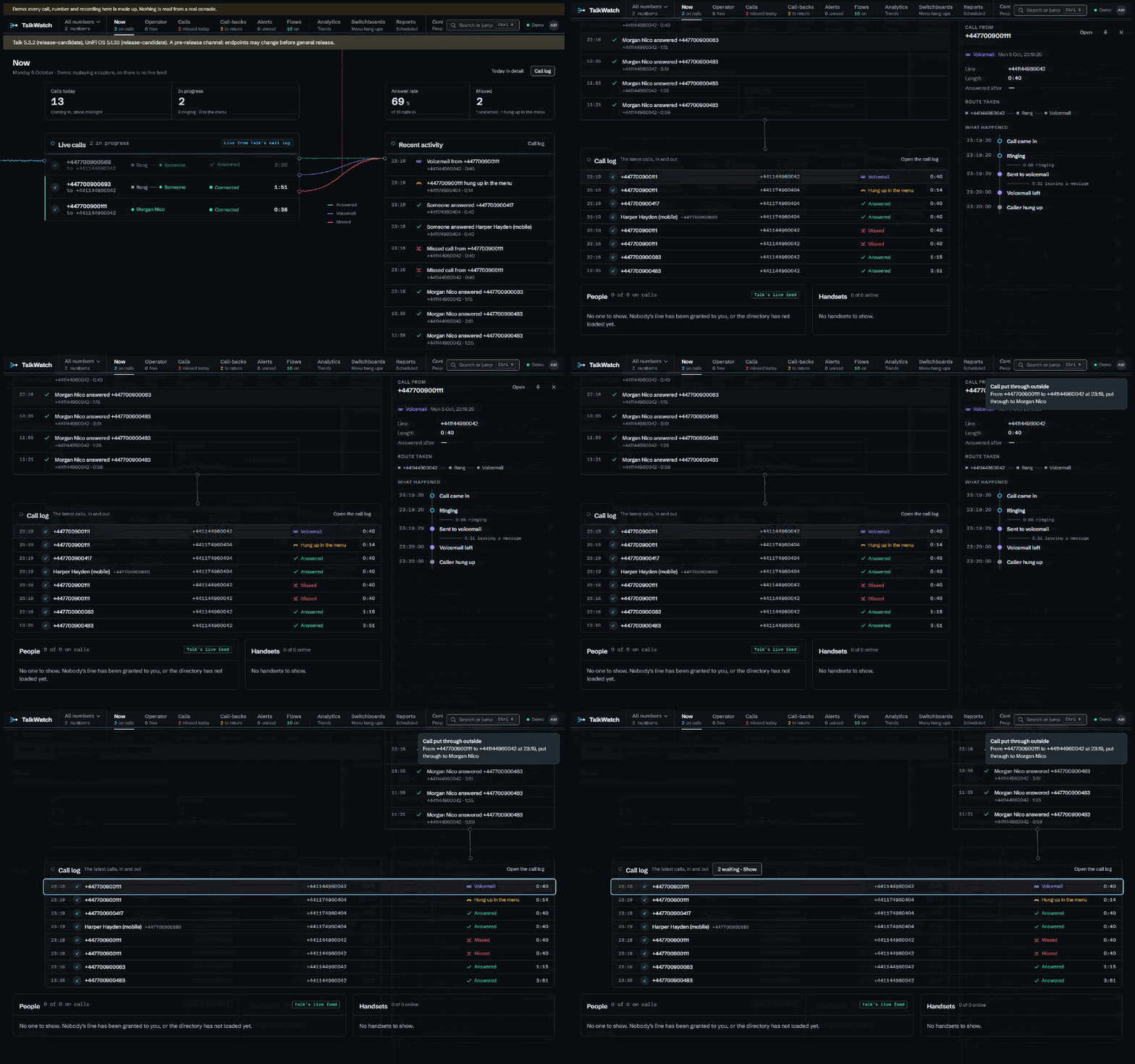
Choosing a call on Now or in the call log opens it in a panel on the right, with the page still there beside it. The panel shows how the call ended (or how it's going), its line, how long it lasted and how long it took to answer, the route it took and what happened step by step. Open goes to the call's full page, with its recording and transcript. Pin keeps the panel open while you move between pages; otherwise it closes when you go somewhere else. Esc or the cross closes it. On a narrower screen it sits over the page instead of beside it. To open a call's full page straight away, open the link in a new tab as you normally would.
The status strip
When something needs attention, a strip appears under the rail on every page:
- Talk's data has changed shape. A console update changed what Talk sends, and TalkWatch has stopped copying new calls rather than store them wrong. It says when the console was updated and from which versions to which. Nothing's lost; see Upgrading.
- The console couldn't be reached at the last poll, and what you see is from the time it says.
- An untested Talk or UniFi OS version, or a pre-release channel, where endpoints can still change.
When all's well there's no strip. The freshness dot on the rail says so instead.